 Matreshka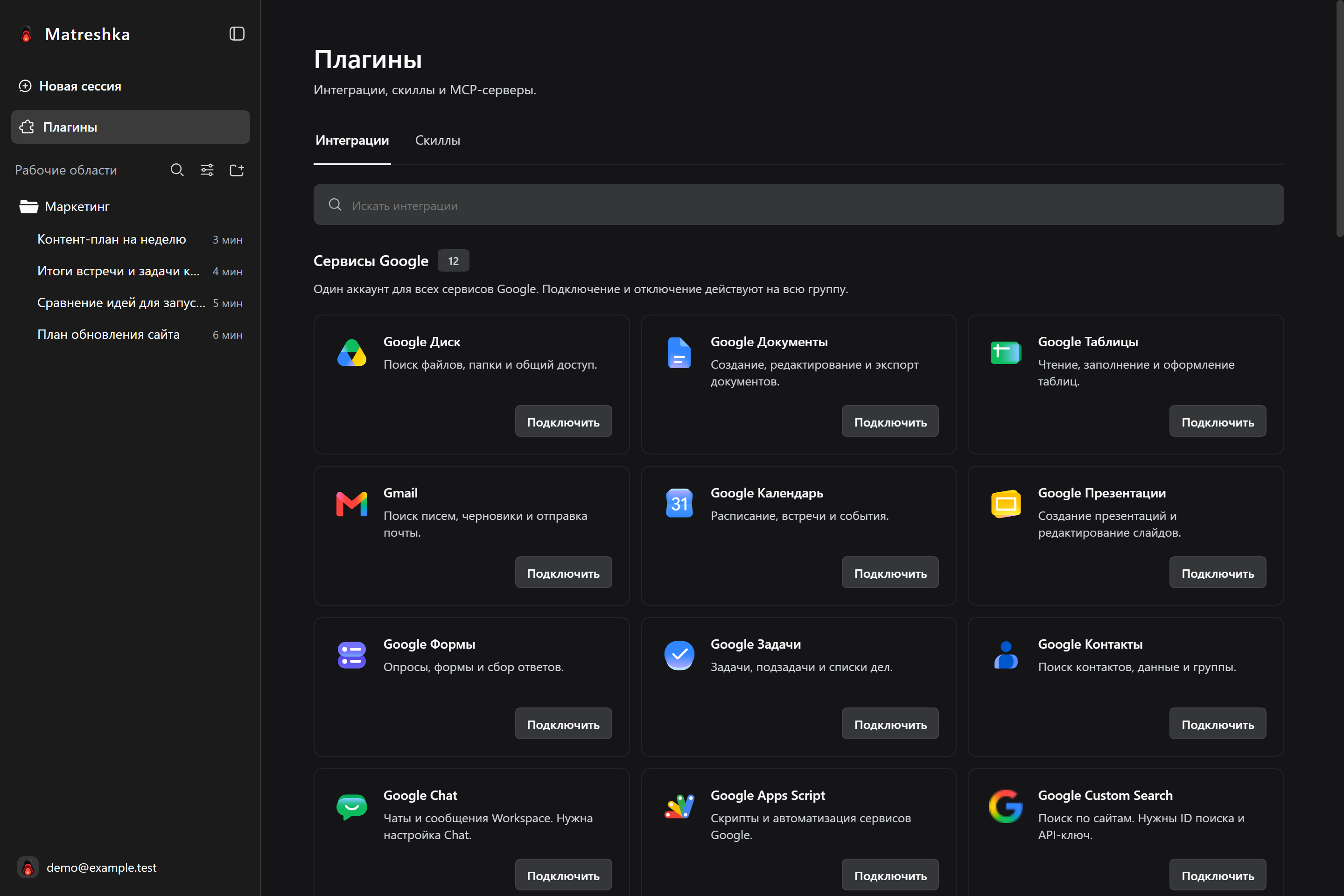
Connect services for a specific task. The Matreshka plugin catalog is available in the app sidebar.
Choose a service
Open Plugins and find the integration you need. Start with the service that already holds your task materials.
Connect your account
Select Connect and finish signing in on the service page. Read the requested permissions before approving access.
Give Matrena a specific task
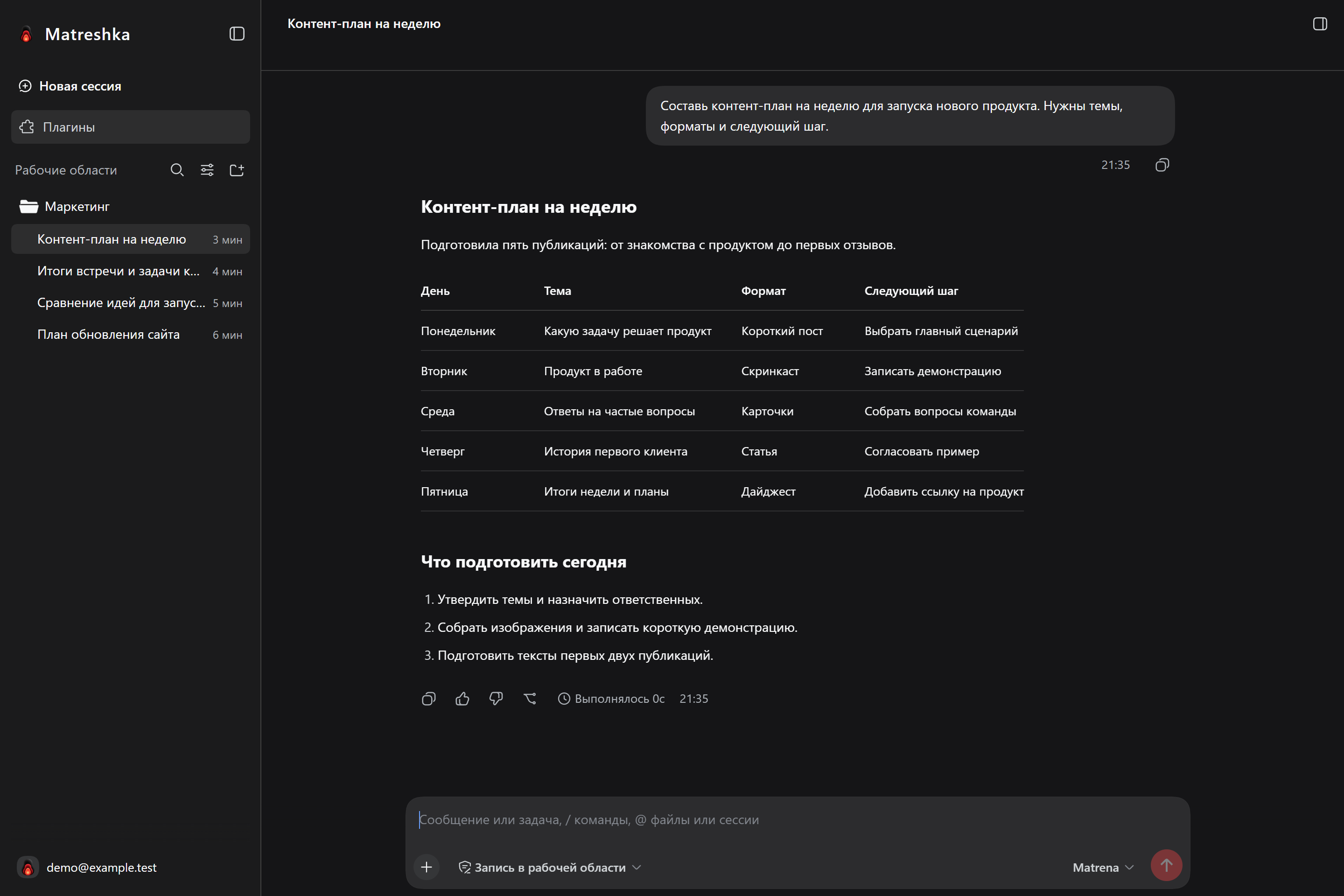
Return to your conversation and explain what you need. Name the file, folder, or other item you want to use.
Find the project materials in Google Drive and prepare a short summary. Show me the proposed changes before editing any files.